
Say a blogger pastes the same product blurb onto twelve category pages. Traffic dips and nobody has a clue why it’s happening in the first place. Or say a freelancer sends in a draft that shares three paragraphs with a page already live online. Both people search for a duplicate content checker, and both land on lists that mix tools built for completely different jobs.
This mix-up creates three challenges. Finding duplicate pages inside your own site, finding copies of your text elsewhere on the web, or running plagiarism detection and an AI content detector in one scan.
Ten duplicate content checker tools are listed below, each suited to a different job. You, however, need to find the goal you want to achieve first. Then you can go by the subscription fee they are charging. Prices on the website change often, so you must check each vendor’s page before you pay. It also helps to cut the problem off earlier, since original copy from a professional content writing service leaves less for a checker to flag.
Does Google punish duplicate content?
Google doesn’t immediately penalize or restrict duplicate pages. Its Spam guidelines clearly say that some duplicate content on a site is normal and does not break its spam policies. It groups near-duplicate pages, picks one as the canonical URL, and treats your preference as a hint, not an order. Redirects and the canonical tag (rel=”canonical”) count as strong signals. Sitemap inclusion is a weak one, according to Google’s canonicalisation guidance.
So the aim of any duplicate content checker for SEO isn’t to identify a penalty. It’s to control which page Google shows. A checker tool tells you whether the repeat actually happened and thereafter recommends possible fixes.
Top 10 Duplicate Checker Tools Online
The tools listed below crawl your pages and compare them with each other. They answer the question of how to find duplicate content on a website without reading every page by hand. Use them when the website rankings drop, when a store has near-identical product pages, or before a website migration.
1. Google Search Console
Google Search Console is a free duplicate content checker tool by search giant Google. The tool shows how Google itself sees your pages. The Page indexing report lists duplicate statuses, including “Duplicate without user-selected canonical” and “Duplicate, Google chose different canonical than user”. The second one is the useful warning: Google ignored your tag and picked another page.
Pros
- Free, and it reports Google’s actual choice instead of a guess.
- Quick to read for a small site.
Cons
- It lists statuses, not the matching text, so you still have to open each pair and compare.
- It only covers sites you’ve verified.
It’s the right first stop. If it shows nothing worrying, you may not need anything else.
2. Screaming Frog SEO Spider
Screaming Frog is a desktop crawler and a solid website duplicate content checker. It finds exact duplicates with an md5 check, which is a digital fingerprint of the page. For near-duplicate pages, its default similarity setting is 90%, and you can change it. Only indexable pages (pages search engines are allowed to index) are checked. The free version crawls up to 500 URLs. To crawl more than this, you need to buy a paid licence.
Pros
- Adjustable threshold, so you can tighten or loosen what counts as a near match.
- Handles big sites far better than browser-based tools.
Cons
- It has a learning curve, and the settings can feel crowded at first.
- Pages blocked from indexing are skipped, so some repeats stay hidden.
For a site with thousands of URLs, this is the perfect choice.
3. Siteliner
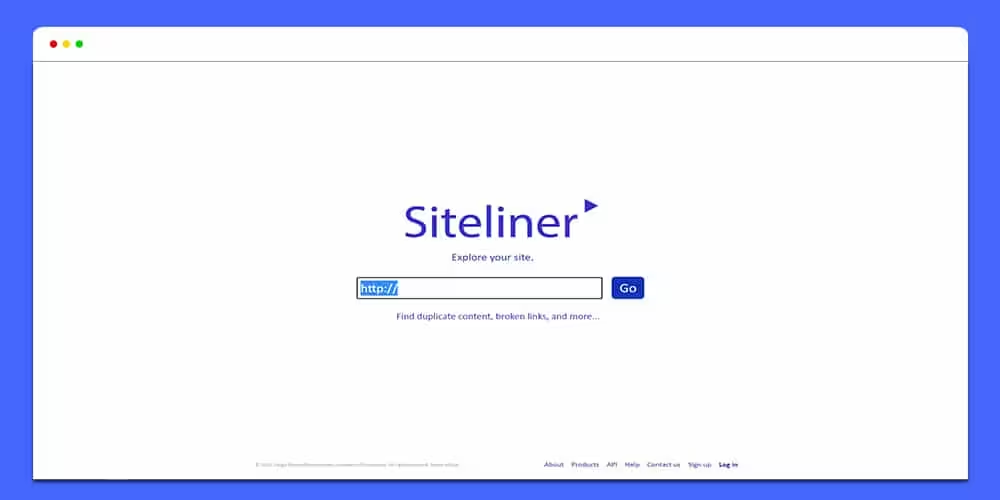
Siteliner is another duplicate checker from Copyscape. The tool lets you check duplicate content online across a whole site. The free version covers 250 pages a month. Premium covers up to 30,000 pages and costs 1 cent per page scanned. It can only read publicly accessible pages.
Pros
- Paste a domain and wait for the report.
- Pay-as-you-go pricing suits a one-off audit.
Cons
- Public pages only, so staging sites and members’ areas are out.
- Less control than a crawler like Screaming Frog.
4. Semrush Site Audit
Semrush Site Audit is one of the better-known duplicate content tools available inside its complete site audit. It flags pages that are at least 85% similar. That’s a lower bar than Screaming Frog’s 90% default, so the same pair of pages can be flagged by one tool and missed by the other. They simply draw the line in different places, and it’s worth knowing before you compare two reports. Plans were reported to be changing in 2026, so check the current price.
Pros
- Duplicate checks sit alongside broken links, speed, and other audit issues.
- Easy reports to share with clients or a boss.
Cons
- It’s a paid suite, and the duplicate feature alone doesn’t justify the cost.
- The similarity threshold is fixed from your side.
It makes most sense if the team already pays for Semrush.
5. Ahrefs Site Audit
Ahrefs Site Audit separates “good” duplicates from “bad” ones. A page that already has a canonical tag, hreflang (the tag for language versions), or pagination in place is treated as handled. A page with none of those is flagged as one of the duplicate pages to fix. Ahrefs Webmaster Tools is free for sites you verify, though plan names and features have shifted, so check what the free tier covers today.
Pros
- Cuts false alarms by not nagging about duplicates you’ve already dealt with.
- A free route exists for owners of verified sites.
Cons
- Full features need a paid plan.
- Less useful for checking text against other websites.
If your last audit gave you 400 warnings and you can’t tell which ones matter, this sorting approach saves real time.
Tools that Find Copies of Your Text Elsewhere
These compare a page or draft against the wider web. Use them before publishing, or when you suspect a scraper has copied your work.
6. Copyscape
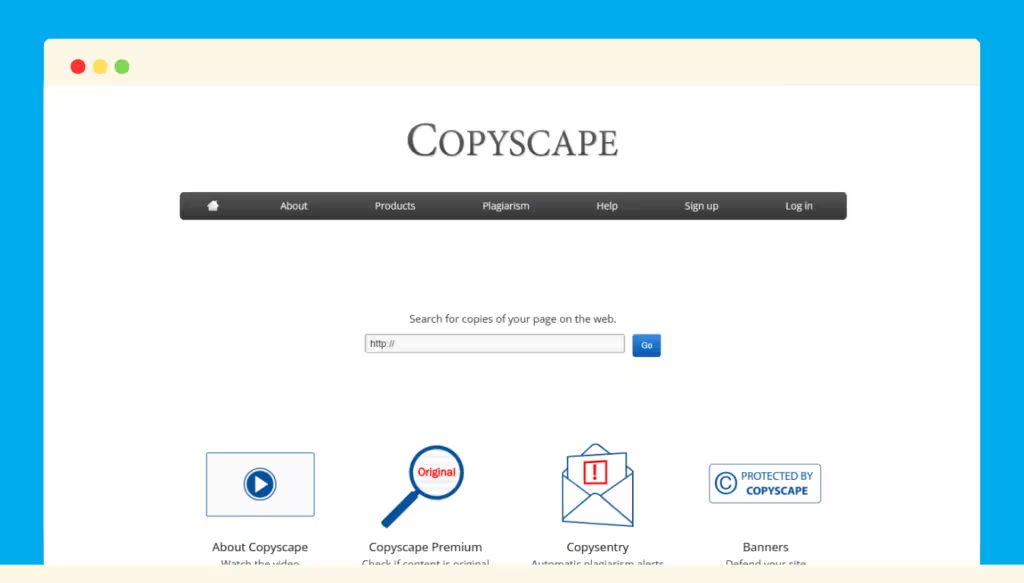
Copyscape is one of the most popular duplicate content checker tools and a classic plagiarism checker. Its premium plan charges 3 cents for the first 200 words, plus 1 cent for each extra 100. So a 1,000-word article costs about 11 cents (3 cents, then 8 more). Copysentry monitoring starts at $4.95 a month and checks 10 pages weekly.
Pros
- Cheap per check, and the pay-per-use model suits occasional users.
- Monitoring alerts you when someone lifts your page later.
Cons
- Plain interface, and no AI-writing check.
- Costs add up if an agency runs hundreds of drafts.
For a freelancer checking one draft at a time, it’s hard to beat on price.
7. Grammarly
Grammarly’s plagiarism checker is a Pro plan, which was listed at $12 per seat a month on annual billing, or $30 on monthly billing. It isn’t in the free plan. One review rated it less reliable than Copyscape, which is a single reviewer’s view and not a test result.
Pros
- Grammar, tone, and plagiarism checks in one place.
- Handy for writers who already use it.
Cons
- Paid plan needed for plagiarism.
- Probably not the sharpest tool if matching accuracy is your main concern.
Treat it as a convenient safety net, not a replacement for a dedicated web-match tool.
8. Quetext
Quetext checks text against web sources and has a free tier with a small word limit. Its own pages and its live pricing showed different figures at the time of research, so confirm plans and word limits directly before choosing a tier.
Pros
- A free tier lets you test it on a real draft.
- Simple, paste-and-scan layout.
Cons
- Word caps can bite on long articles.
- Conflicting plan details mean you should double-check before paying.
Try the free tier on one draft first. If the results feel useful, then think about upgrading.
Tools that Check Plagiarism and AI Writing Together
These are newer, and they suit publishers and agencies that need both questions answered in one pass.
9. Originality.ai
Originality.ai pairs plagiarism detection with an AI content detector in a single scan. A combined scan costs 2 credits per 100 words, and the Pro plan, listed at roughly $12.95 to $14.95 a month depending on billing, includes 2,000 credits.
As a calculation from those rates, that covers about 100,000 words of combined scanning, enough for roughly 50 articles of 2,000 words. Plagiarism checking needs Pro or higher. Sources disagree on whether a free tier exists.
Pros
- One scan answers two questions.
- Credit pricing is predictable once you’ve done the maths.
Cons
- Double credit use is easy to overlook, so a budget can vanish faster than expected.
- AI detectors give probabilities, not proof, so treat a score as a prompt to look closer.
That last point matters. A detector score says little about whether an article is accurate or useful.
10. Copyleaks
Copyleaks offers plagiarism detection in more than 100 languages, plus an AI content detector, which makes it a good fit for multilingual teams. Its pricing page says 1 credit equals 250 words. Plan prices conflict across sources, so treat any figure you see elsewhere as unconfirmed and read the vendor page.
Pros
- Strong language coverage.
- Combines plagiarism and AI checks for publishers.
Cons
- Confusing, conflicting price information across the web.
- Credit-based billing needs a quick calculation before you commit.
If your team writes in several languages, it earns its place on the shortlist.
What to Do Once You Find Duplicates?
Finding the repeat is half the job. Google’s guidance points to a simple order of action.
First, decide which page deserves to rank. Then, if the other page has no reason to exist, redirect it to the main one with a 301 redirect. If both pages must stay live, say two sizes of the same product, add a canonical tag on the weaker one pointing to the stronger. Where pages are thin and near-identical, rewrite them so each answers a different question. Finally, keep your sitemap and internal links pointing at the canonical URL, so you don’t send mixed signals.
Picking the Right Checker
The best duplicate content checker depends on the job, so start with the problem, not the brand. A small site can get a long way with Google Search Console and Siteliner’s free scan. A larger site needs a crawler such as Screaming Frog. Writers checking drafts should look at Copyscape, and publishers who also worry about AI-written text can weigh Originality.ai or Copyleaks.
It’s worth running the free options first. They’ll often show whether you have a real problem, and a good chunk of readers will find they don’t need to pay for anything. Open Search Console’s Page indexing report today and see what Google has already decided about your pages.